
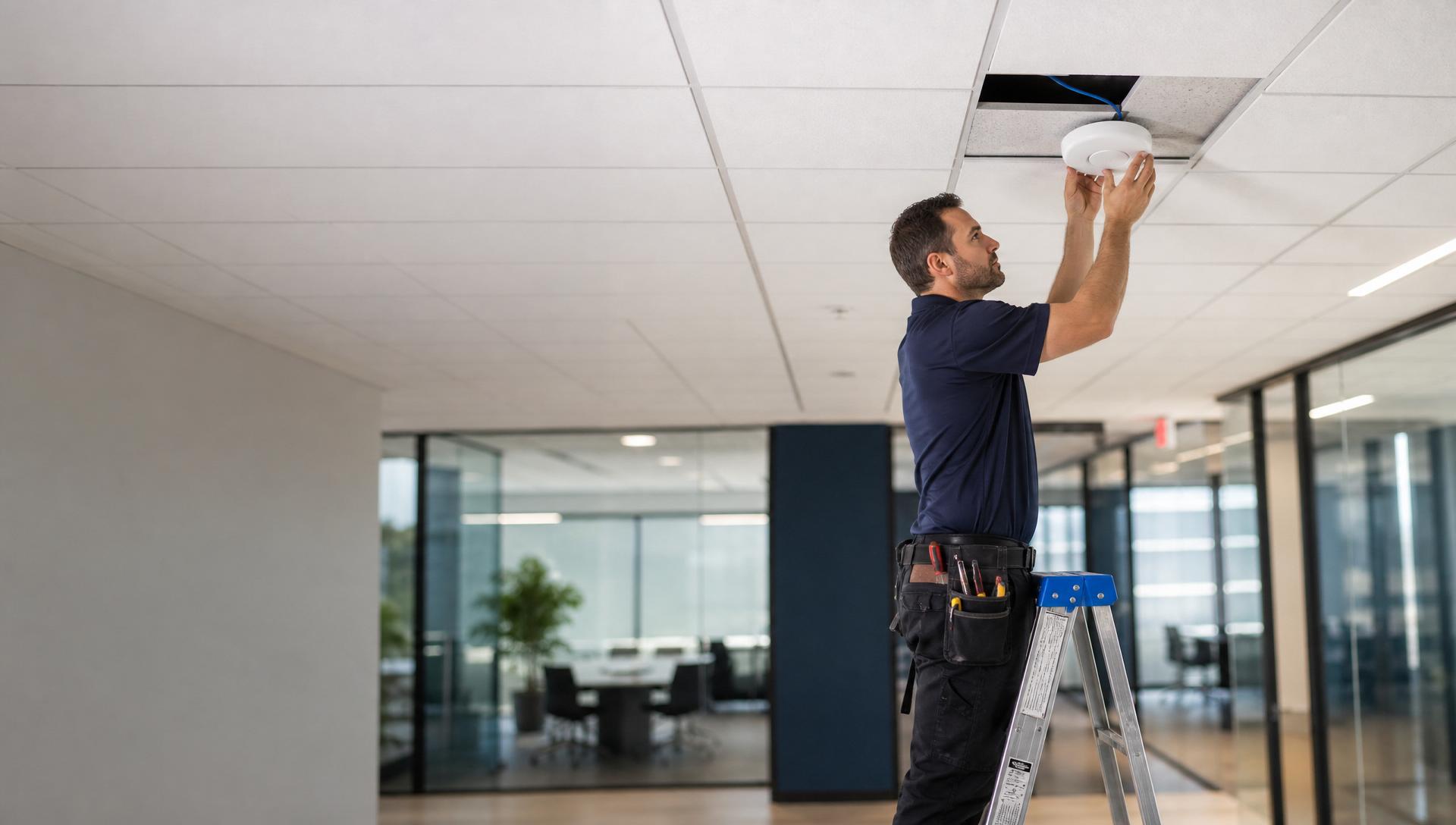
Sizing a commercial Wi-Fi deployment is more about clients per AP and airtime utilization than about square footage. A conference room with 40 laptops needs more radios than a corridor 20 times its size. The right count comes from a client-density model, then it gets validated with a survey.
- Model by clients per AP, not by square feet.
- Wi-Fi 6E and Wi-Fi 7 need multigigabit uplinks to be worth the license cost.
- Design for the busiest 30 minutes of the day, not the average.
- Guest and corporate on separate SSIDs and VLANs.
Executive summary
A defensible commercial Wi-Fi design starts with a client count per space and a target of 25–40 concurrent active clients per AP. It requires Cat6A backhaul, 2.5G or greater uplinks per AP, and a controller (physical, virtual, or cloud) that supports 6 GHz band steering and adequate RF automation. Post-install validation is where design meets reality.
Where offices get Wi-Fi wrong
The wrong AP count is the visible symptom; the invisible root cause is usually undersized uplinks, mistuned RF power, and legacy 2.4 GHz still enabled. A network with the right AP count but the wrong configuration performs worse than a smaller, correctly configured one.
Sizing
| Space | Client target | AP recommendation |
|---|---|---|
| Open office (dense) | 1 AP per 1,500–2,500 sq ft | Wi-Fi 6E/7, ceiling mount |
| Private offices | 1 AP per 4–6 offices | Wi-Fi 6E, wall or ceiling |
| Conference room | 1 AP per room > 12 seats | Wi-Fi 6E, ceiling |
| Auditorium | 1 AP per 40 seats + directional | Wi-Fi 6E with per-radio planning |
| Cafeteria | 1 AP per 60 seats | Wi-Fi 6E, ceiling |
| Corridor | Coverage only, no density | Standard AP, low power |
Common mistakes
- Enabling 2.4 GHz at full power alongside 5/6 GHz. Client stickiness increases; performance drops.
- 1 Gb uplinks on Wi-Fi 6/7 APs — the radios can push far more than the port allows.
- One SSID for guest, corporate, IoT, and voice — QoS becomes impossible.
- Skipping the post-install survey — the design was theoretical; the reality is measurable.
Best practices
- Predictive survey pre-install; validation survey post-install.
- 2.5G or 5G uplinks per Wi-Fi 6E/7 AP; 10G to the switch.
- Cat6A backhaul with two drops per AP for future dual-radio or split-tenant use.
- Separate SSIDs and VLANs per traffic class.
- Enable 802.11k/v/r for roaming; disable low data rates below 12 Mb/s.
Standards to specify
- Wi-Fi 6E as the current baseline; Wi-Fi 7 where clients justify it.
- PoE+ or PoE++ per AP.
- Manufacturer-certified installation (Cisco, Aruba, Ubiquiti, Ruckus, Juniper Mist).
When to call a professional
Any deployment above 8 APs benefits from an RF engineer's survey and configuration review. The design tools are inexpensive relative to the cost of buying twice.