How much does a commercial WiFi installation cost?+
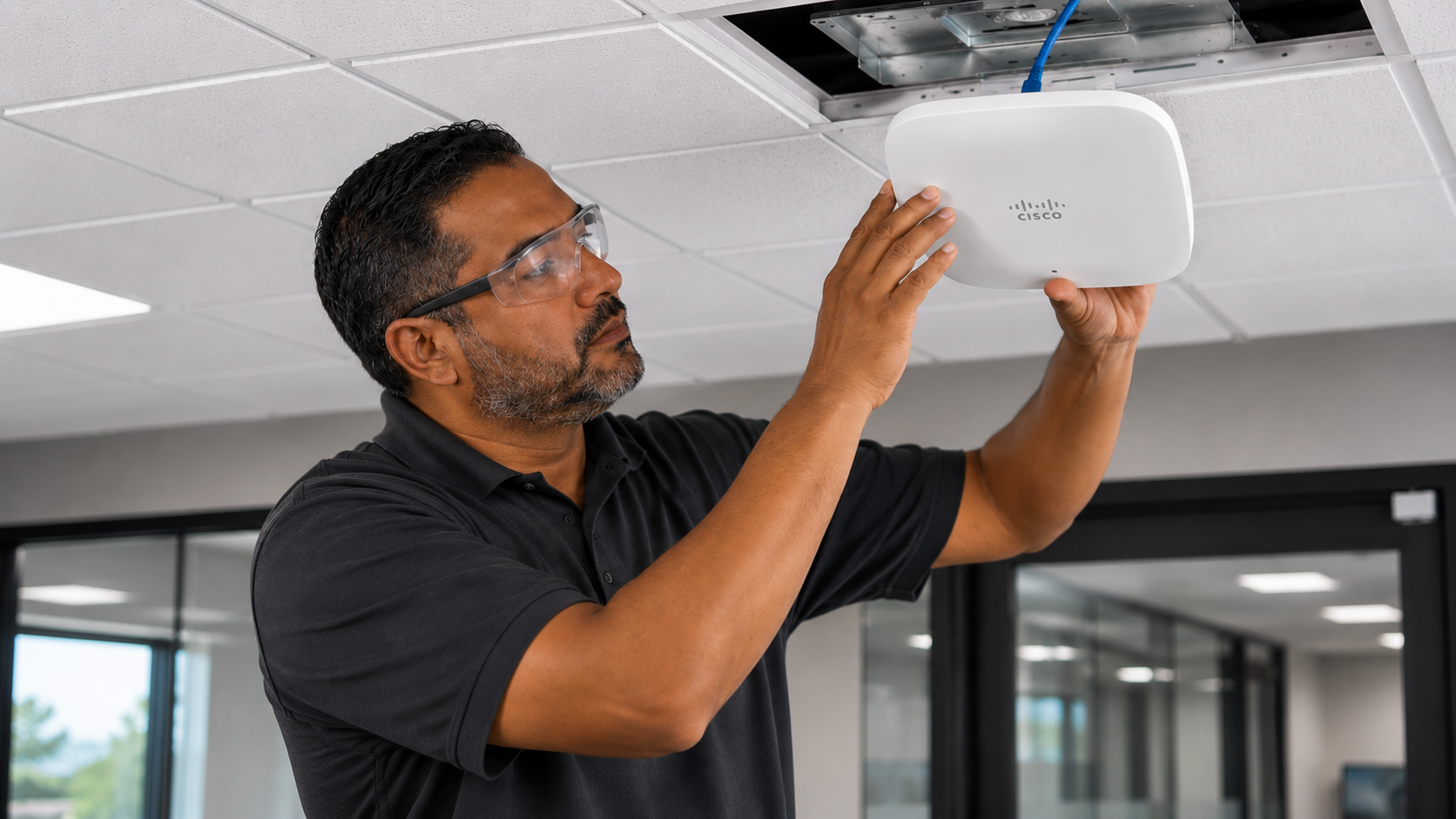
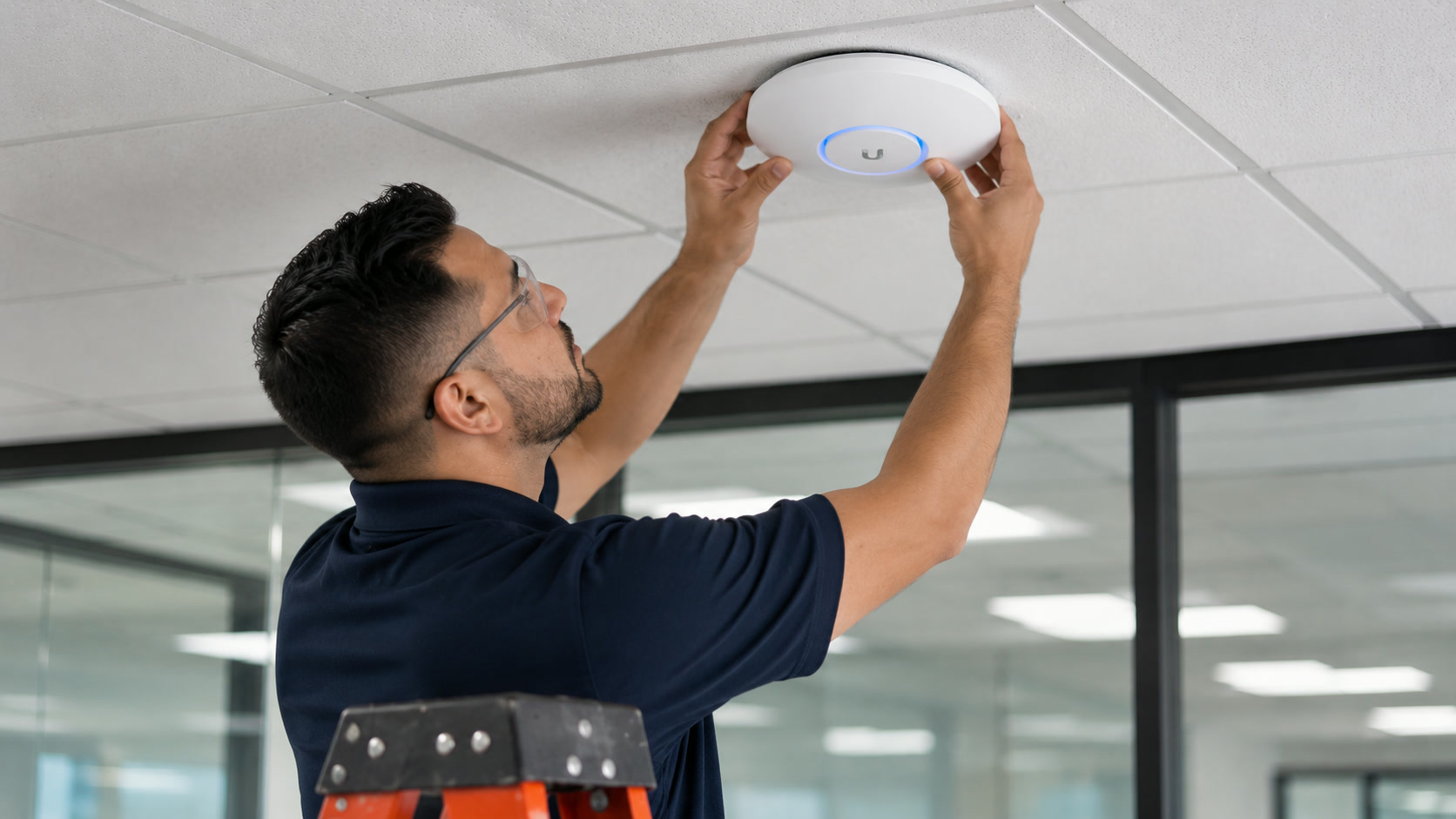
Rough planning: $800-$1,500 per interior AP installed with cable, mount, and configuration; $1,500-$3,000 per exterior AP with weatherproof mount, conduit, grounding, and surge. Controller and licensing (Meraki, Aruba Central, UniFi) add per-AP subscription. A typical 20,000 sq ft office runs 10-15 APs and $15-30k installed depending on brand and features.
Meraki, Ubiquiti, Aruba, or Ruckus?+
Meraki for cloud-managed multi-site with strong dashboard and support. Ubiquiti UniFi for cost-sensitive deployments with excellent hardware and controller-optional design. Aruba (Central or on-prem) for enterprise-grade features, high-density, and tight integration with wired ClearPass NAC. Ruckus for challenging RF (hospitality, high-density, outdoor). We recommend based on IT posture, site count, budget, and feature needs.
How many APs do we need?+
Depends on square footage, client density per area, application (video conferencing, VoIP, IoT, warehouse scanners), and building materials. A 20,000 sq ft standard office typically runs 10-15 APs. A warehouse of the same size runs 6-10. Auditoriums and cafeterias need dense high-density design. We deliver an AP count and placement plan from the survey — not a guess.
Wi-Fi 6, 6E, or 7 for a new deployment?+
Wi-Fi 6E minimum for any new commercial deployment today — the 6 GHz band is a genuine step-change for high-density and low-latency applications. Wi-Fi 7 for high-end and future-proofing. Cabling should be CAT6A to support multi-gig PoE uplinks now and later.
Do you handle guest WiFi with captive portals?+
Yes. Splash pages, terms acceptance, social login (Meraki/Aruba), rate limiting, VLAN isolation from corporate, and PCI-safe segmentation for retail. Guest network is separated from corporate at layer 2 and 3.
Can you cover an outdoor courtyard or parking lot?+
Yes. Exterior-rated APs (Meraki MR86, UniFi U6 Mesh Pro, Aruba 570 series), weatherproof mounts, grounding, and surge protection. We survey to confirm coverage and add APs as needed.
How do you handle roaming across APs?+
Modern controller-based systems (Meraki, UniFi, Aruba) handle 802.11k/v/r fast-roaming and client steering automatically. Post-install we test roaming with a mobile device walking predetermined paths and verify handoff time under 100 ms.
Do you install and configure the network, or just pull cable?+
Both. Full end-to-end (cabling, AP mount, controller configuration, SSID setup, VLAN segmentation, RADIUS integration) or cable-only with your network team handling configuration. Turn-key is most common.
Can you cover a large warehouse?+
Yes — this is one of our specialties. Warehouses need 5 GHz coverage in the aisles (metal racking absorbs signal), directional APs at bay ends, and high roaming performance for barcode scanners and forklift-mounted tablets. Every deployment starts with an on-site survey with a spectrum analyzer.
What about IoT devices and BYOD?+
Segmented SSIDs per device class (corporate, guest, BYOD, IoT), 802.1X or PSK per SSID as appropriate, VLAN isolation, and MAC-based ACLs on the IoT SSID. We coordinate with your NAC (ClearPass, ISE, UniFi Identity) or set up basic segmentation if none exists.
How much does WiFi installation cost?+
WiFi Installation pricing depends on drop count, cable type, pathway complexity, and building conditions. Most commercial projects range from $150 to $350 per drop installed. Request a free site survey for an itemized quote.
Do you provide WiFi installation nationwide?+
Yes. Access Cabling is headquartered in California with a nationwide technician network for multi-site rollouts across all 50 states.
Is WiFi installation certified and warrantied?+
Every installation is Fluke-tested and certified. Structured cabling installs carry manufacturer warranties of up to 25 years through our Panduit, CommScope, Leviton and Belden partner relationships.