
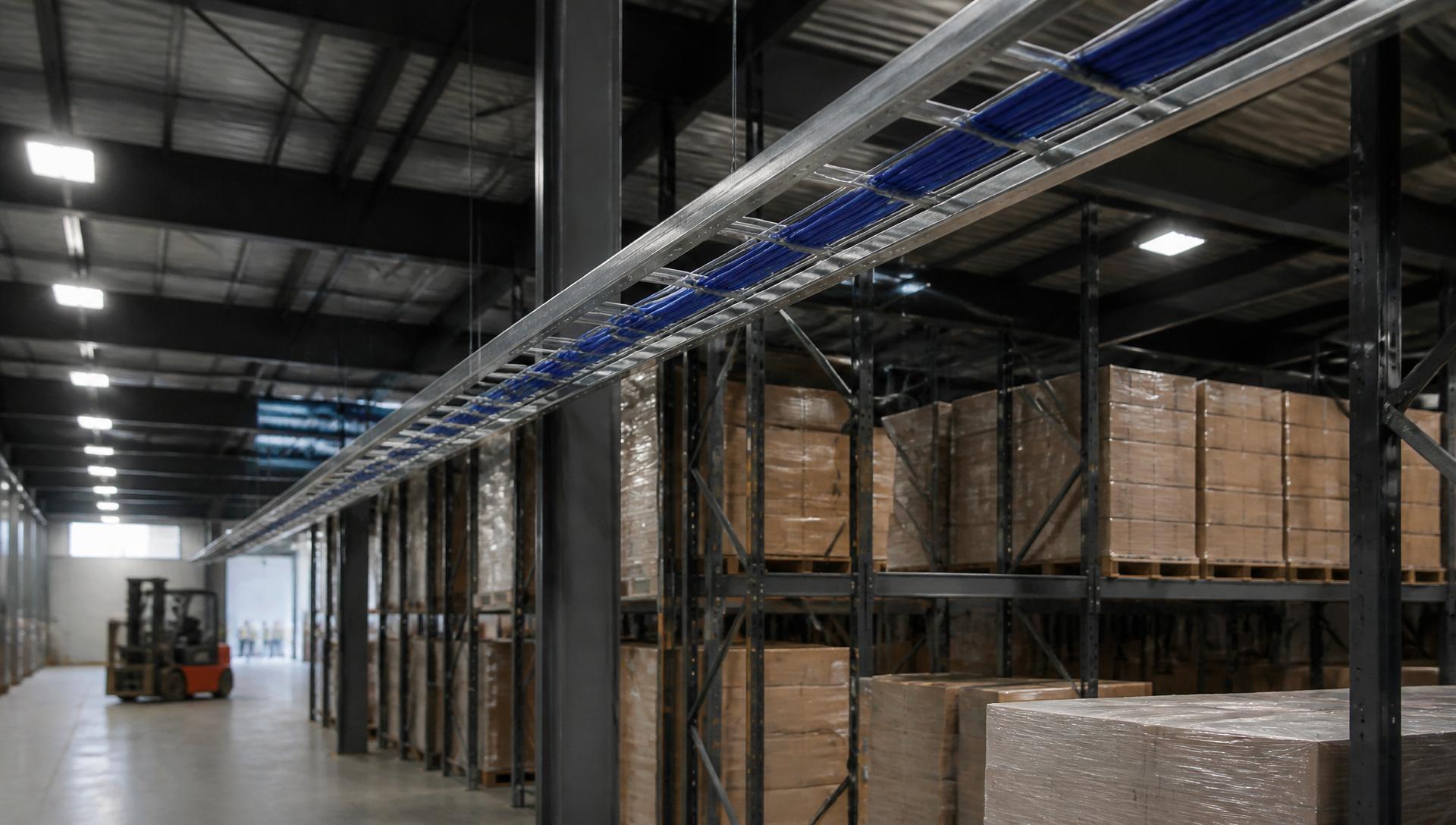
Warehouse Wi-Fi is a physics problem dressed up as an IT problem. Rack density, forklift traffic, and metal everywhere create RF conditions that office-oriented AP-per-square-foot rules simply do not describe. Getting warehouse Wi-Fi right starts with a survey, not an SKU.
- Cell-based, not coverage-based, design keeps scanners connected during forklift traffic.
- A predictive survey with Ekahau or iBwave is the minimum for any warehouse over 50,000 sq ft.
- 5 GHz should carry all high-value traffic; 2.4 GHz is legacy and interference-prone.
- AP placement matters more than AP count for scanner performance.
Executive summary
Warehouse Wi-Fi design is dominated by roaming, not throughput. The right architecture uses more, lower-power APs than an office would need, deployed on a tight grid at the same mounting height throughout. Cat6A backhaul and PoE++ switches are the norm because current-generation APs push 30–60 W and cover 3–5 GHz simultaneously.
Why warehouses are hard
Racking full of product acts as a lossy dielectric that changes as inventory turns. Metal ceilings and rolling equipment create reflections and shadows that a floor-plan-based coverage tool cannot predict. A warehouse Wi-Fi installation that was fine at handover can degrade to unusable inside a quarter as inventory patterns change.
Design principles
- Predictive survey with a realistic wall material model (racking = 5–10 dB per rack row).
- Post-install AP-on-a-stick or full site survey to validate.
- APs mounted below racking height at aisle intersections, not on the ceiling.
- Directional antennas (patch or omni-down) for high-bay; omni-out on low ceilings.
- Consistent AP model, mounting height, and antenna orientation across the whole space.
Common mistakes
- Buying AP count from an office rule of thumb (1 AP per 2,500 sq ft) and blaming the WLC when scanners drop.
- Ceiling mounting APs at 40 ft over racking — the signal never reaches the aisle floor.
- Enabling 2.4 GHz at full power alongside 5 GHz — legacy interference kills modern client performance.
- Skipping wired backhaul upgrade — Wi-Fi 6/7 APs need 2.5G/5G/10G uplinks to be worth the cost.
Best practices
- Predictive survey, validate post-install, and re-survey annually or on major layout change.
- Disable low data rates below 12 Mb/s to force client roaming.
- Configure roaming assistance features (802.11k/v/r) at the controller.
- Provide 2 Cat6A drops per AP for future dual-radio or split-tenant deployments.
- Reserve one SSID per traffic class (scanner, voice, corporate) with per-SSID QoS.
Reference AP densities
| Warehouse type | Ceiling | AP density |
|---|---|---|
| Bulk storage, low SKU | 40 ft steel | ~1 AP per 8,000 sq ft (aisle mounted) |
| Fast-pick fulfillment | 25 ft | ~1 AP per 3,500 sq ft |
| Cross-dock | 35 ft | ~1 AP per 5,000 sq ft |
| Cold storage | 25 ft insulated | Sealed radome APs, ~1 per 3,000 sq ft |
| Robotic (AMR) | 20 ft | Grid, ~1 per 2,000 sq ft with dense roaming |
When to call a professional
Any deployment above 50,000 sq ft, any robotic material handling, and any environment with cold storage or heavy metal racking should involve an RF engineer before ordering hardware. A survey costs a fraction of a re-installation and eliminates the guesswork that turns Wi-Fi into a rolling escalation.